Connect your systems
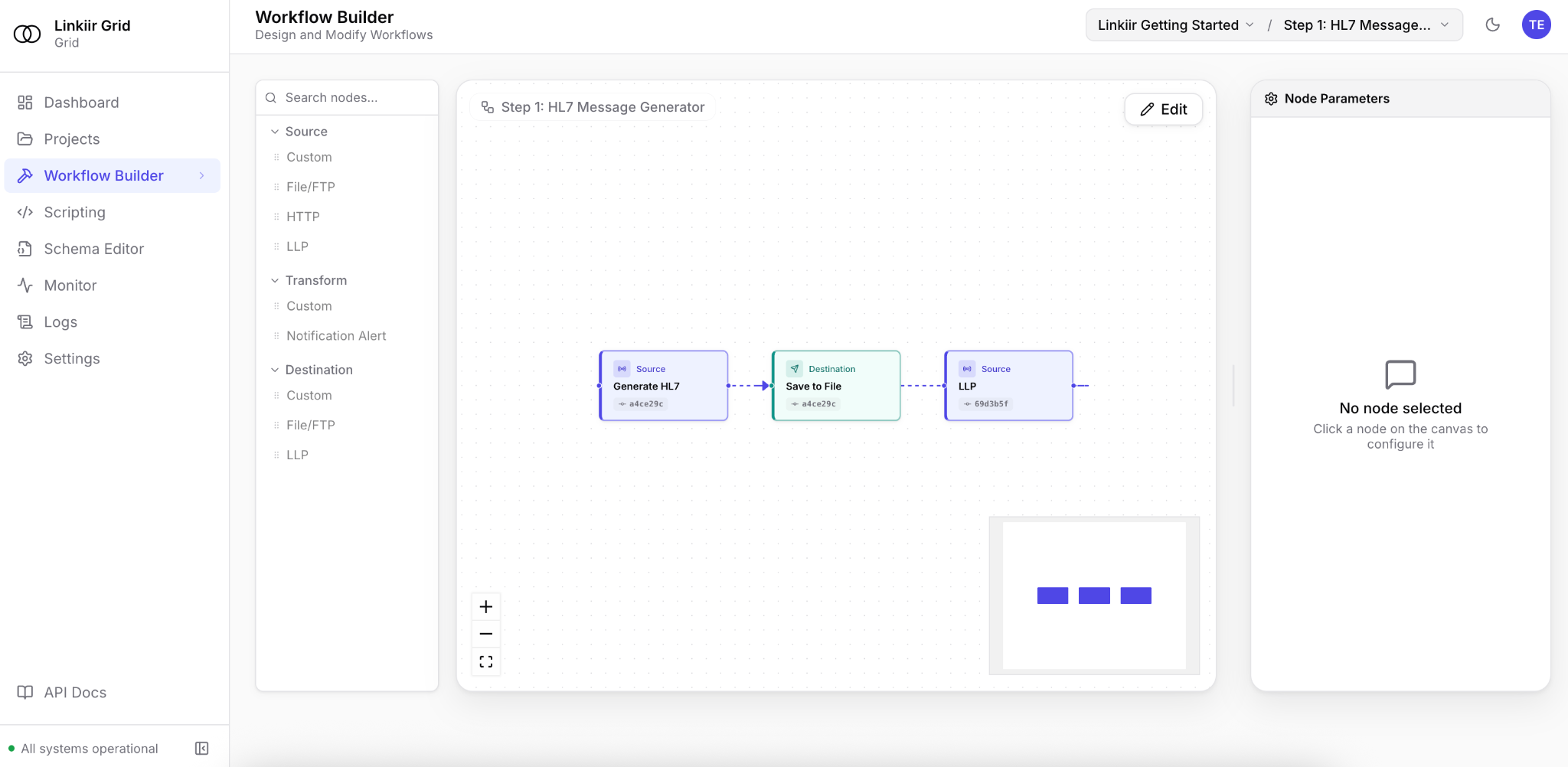
Use adapters and transport nodes to connect healthcare systems, applications and data platforms. Organize related workflows in Grid.
 linkiirTalk to an integration specialist ↗
HEALTHCARE INTEGRATION ENGINE
Connect systems, transform messages and manage the flow in one place. Linkiir Grid gives hospitals and vendors an integration engine they can run and control on their own infrastructure.
Request access. Our team will follow up with setup details.
HOW GRID FITS
Use adapters and transport nodes to connect healthcare systems, applications and data platforms. Organize related workflows in Grid.
Deploy on premises using Kubernetes or virtual machines. Monitor queues, workflow state and logs, with recovery behavior configured for your environment.
Use samples, tests, Git-backed projects and approval controls to review changes before production. Keep AI disabled or configure models that meet your policies.
CHOOSING A HEALTHCARE INTEGRATION ENGINE
The best HL7 integration engine for your team depends on the workflows you need to run, your deployment requirements and how you recover when a connection fails. For US hospitals and healthcare vendors evaluating Grid, start with a representative admission, lab-result or application integration.
Test required fields, repeated identifiers, local message variations and destination requirements. Compare expected output with actual results.
Stop a receiver, inspect the queue and validate recovery. Check how your team traces messages and prevents duplicate downstream actions.
Review role permissions, deployment, retention and change approval. If you use AI, approve the model endpoint and data-handling configuration.
Explore HL7 and FHIR integration ↗ · Review Grid’s enterprise controls ↗
BEFORE YOU START
Hospitals, healthcare technology vendors and teams responsible for connecting healthcare systems. 1,000+ interfaces are running on Grid today.
Yes. Start with a representative workflow, compare the output and validate operational requirements. Plan migration interface by interface with clear acceptance and recovery criteria.
AI is optional. If enabled, model requests go to the provider endpoint your administrators configure. A self-hosted model can keep requests within your environment; an external provider processes requests at its approved endpoint.
TRY YOUR WORKFLOW IN GRID